

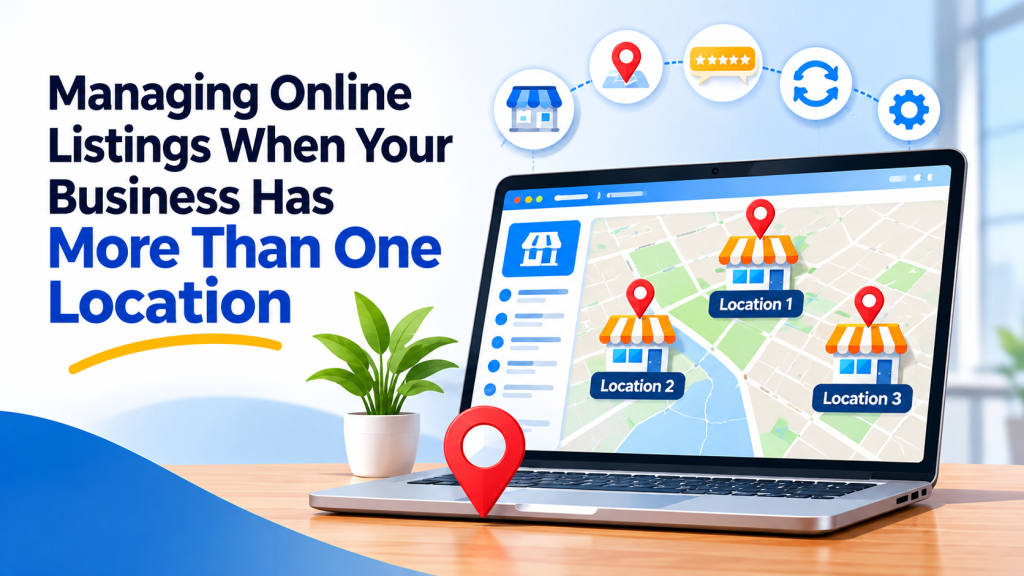
A family dental practice opens its third office across the county. Within a month, the front desk at the original office is fielding calls from patients who meant to book at the new one. The new office’s hours appear on the old office’s profile, and a directory listing shows only the first address.
Growth is good news, but every new location adds another set of details that customers rely on. Without a clear system, those details start to blur together.
Give Every Location Its Own Identity
Each physical location that serves customers should have its own listing with its own address, local phone number, and hours. Combining several offices into one listing forces customers to guess which one they are looking at, and it makes directions and call routing less reliable.
Google’s guidelines for representing your business cover how locations should be presented on its platform. The same thinking works well elsewhere: one real location, one accurate listing.
Keep the business name consistent across locations. If your practice operates under one name, use that exact name for every office rather than inventing a different name for each one. Many businesses distinguish locations in descriptions or on their website rather than in the business name itself.
Build a Location Page for Each Office
Your website should include a dedicated page for every location. Each page should list the address, phone number, hours, parking or access details, and the services offered at that office. If certain services are available at only one location, say so clearly.
Then link each listing to its matching location page instead of your home page. A patient who clicks from a directory listing for your northside office should land on information about the northside office, not have to search for it.
Create a Simple Location Record
Keep one shared spreadsheet with a row for each location and columns for name, address, phone, hours, services, website page, and every platform where that location is listed. When something changes, update the spreadsheet first and then every listing for that location.
Industry directories are part of this record. A dental group, for example, might list each office in a dental care directory category so patients can compare locations near them. On Express Business Listings, separate listings for each office keep those details from overlapping.
Bringing It Together
Multi-location visibility is mostly a matter of organization. Give every office its own accurate listing and website page, keep the brand name consistent, and maintain a single source of truth for your details. No listing guarantees new patients or customers, but clear information makes it much easier for people to reach the right place. Adding each location to Express Business Listings is a straightforward way to include them in that system.
Frequently Asked Questions
Should each location have its own phone number?
Yes, in most cases. A local number for each office helps customers reach the right staff and keeps your listings clearly separated. If you use a central call center, consider showing each location’s direct number on its listing and explaining the scheduling process on the matching location page.
Can I list a location that does not have staff on site?
Generally, listings should represent places where customers are served or staff are present during stated hours. Mailboxes, virtual offices, and unstaffed storage spaces usually do not qualify on major platforms. Check each platform’s rules before listing a location, and focus on the offices customers actually visit.
What should I do when one location closes?
Mark the location as closed or remove its listings, and update the matching page on your website to point visitors to your nearest open office. Do this promptly so customers are not directed to an empty building. Keep a note in your location record of where the old listings were.
How do I handle reviews for several locations?
Ask customers to review the specific location they visited, using a link for that location’s profile. Respond to reviews from each office in a consistent voice. Separate reviews help prospective customers understand the experience at the office closest to them rather than an average across all locations.

Express Business Listings Team
The Express Business Listings team helps local firms get found online with accurate, easy-to-use directory listings.